----------------------------------------------------------------------
--- Knud van Eeden --- 07 September 2008 - 06:02 am ------------------
BASIC: BBCBASIC: Windows: Microsoft Windows: API: Text: Font: How to get the Microsoft Windows API 'GETMETRIC' values? [tmMaxCharWidth / tmAveCharWidth / TEXTMETRIC / How do I get font width and height in pixels ? / TextOutW] [<Information>] [<Research
---
Steps: Overview:
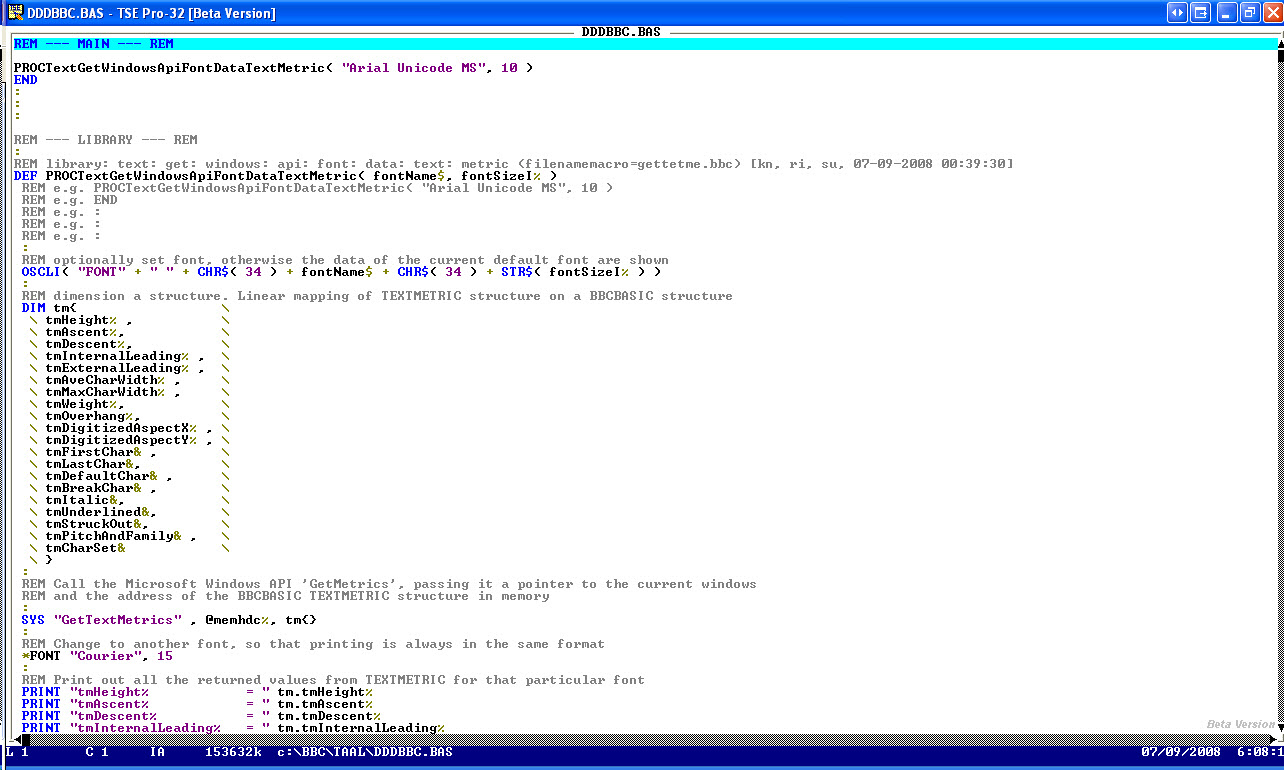
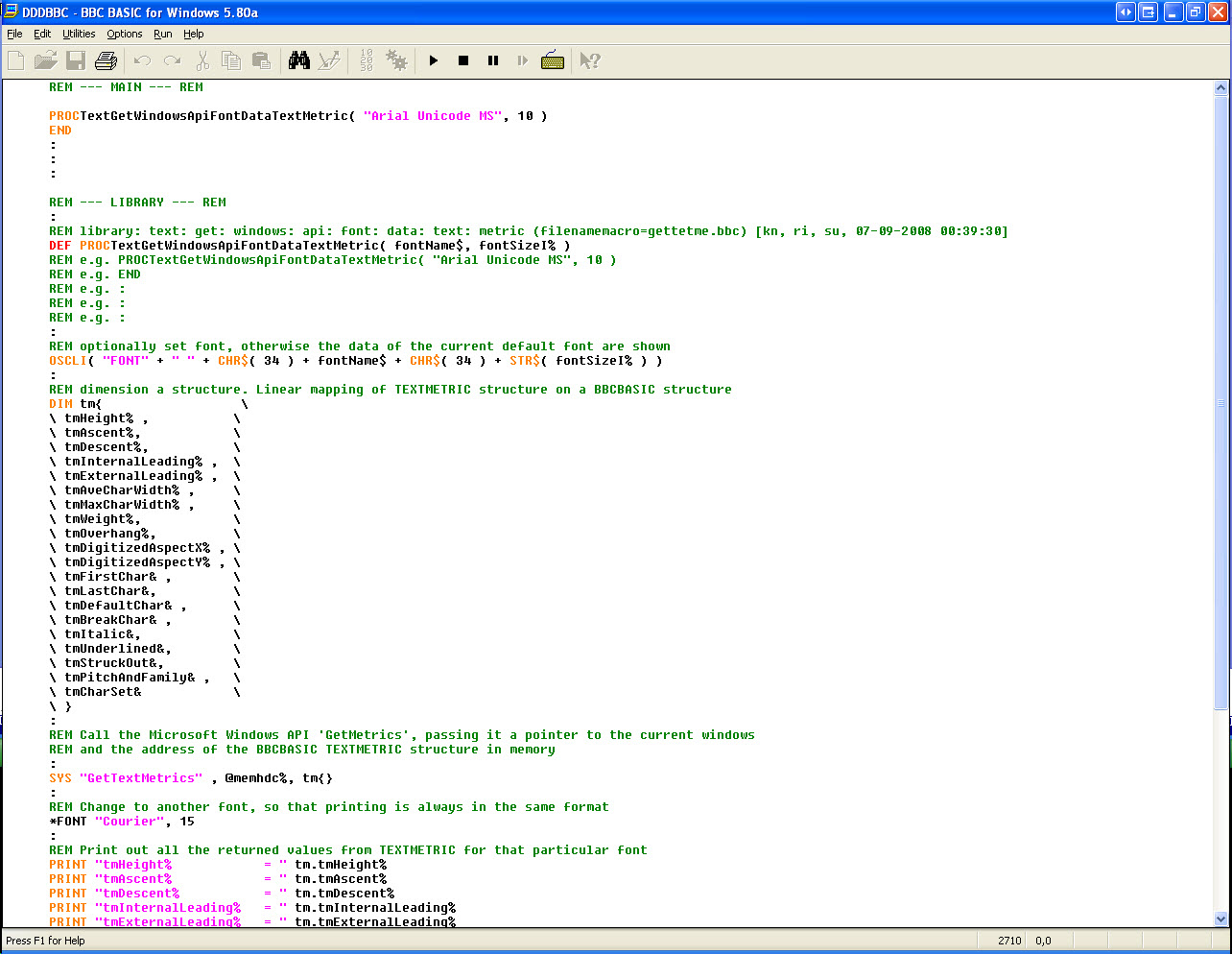
1. -E.g. create the following program:
--- cut here: begin --------------------------------------------------
REM --- MAIN --- REM
PROCTextGetWindowsApiFontDataTextMetric( "Arial Unicode MS", 10 )
END
:
:
:
REM --- LIBRARY --- REM
:
REM library: text: get: windows: api: font: data: text: metric (filenamemacro=gettetme.bbc) [kn, ri, su, 07-09-2008 00:39:30]
DEF PROCTextGetWindowsApiFontDataTextMetric( fontName$, fontSizeI% )
REM e.g. PROCTextGetWindowsApiFontDataTextMetric( "Arial Unicode MS", 10 )
REM e.g. END
REM e.g. :
REM e.g. :
REM e.g. :
:
REM optionally set font, otherwise the data of the current default font are shown
OSCLI( "FONT" + " " + CHR$( 34 ) + fontName$ + CHR$( 34 ) + STR$( fontSizeI% ) )
:
REM dimension a structure. Linear mapping of TEXTMETRIC structure on a BBCBASIC structure
DIM tm{ \
\ tmHeight% , \
\ tmAscent%, \
\ tmDescent%, \
\ tmInternalLeading% , \
\ tmExternalLeading% , \
\ tmAveCharWidth% , \
\ tmMaxCharWidth% , \
\ tmWeight%, \
\ tmOverhang%, \
\ tmDigitizedAspectX% , \
\ tmDigitizedAspectY% , \
\ tmFirstChar& , \
\ tmLastChar&, \
\ tmDefaultChar& , \
\ tmBreakChar& , \
\ tmItalic&, \
\ tmUnderlined&, \
\ tmStruckOut&, \
\ tmPitchAndFamily& , \
\ tmCharSet& \
\ }
:
REM Call the Microsoft Windows API 'GetMetrics', passing it a pointer to the current windows
REM and the address of the BBCBASIC TEXTMETRIC structure in memory
:
SYS "GetTextMetrics" , @memhdc%, tm{}
:
REM Change to another font, so that printing is always in the same format
*FONT "Courier", 15
:
REM Print out all the returned values from TEXTMETRIC for that particular font
PRINT "tmHeight% = " tm.tmHeight%
PRINT "tmAscent% = " tm.tmAscent%
PRINT "tmDescent% = " tm.tmDescent%
PRINT "tmInternalLeading% = " tm.tmInternalLeading%
PRINT "tmExternalLeading% = " tm.tmExternalLeading%
PRINT "tmAveCharWidth% = " tm.tmAveCharWidth%
PRINT "tmMaxCharWidth% = " tm.tmMaxCharWidth%
PRINT "tmWeight% = " tm.tmWeight%
PRINT "tmOverhang% = " tm.tmOverhang%
PRINT "tmDigitizedAspectX% = " tm.tmDigitizedAspectX%
PRINT "tmDigitizedAspectY% = " tm.tmDigitizedAspectY%
PRINT "tmFirstChar& = " tm.tmFirstChar&
PRINT "tmLastChar& = " tm.tmLastChar&
PRINT "tmDefaultChar& = " tm.tmDefaultChar&
PRINT "tmBreakChar& = " tm.tmBreakChar&
PRINT "tmItalic& = " tm.tmItalic&
PRINT "tmUnderlined& = " tm.tmUnderlined&
PRINT "tmStruckOut& = " tm.tmStruckOut&
PRINT "tmPitchAndFamily& = " tm.tmPitchAndFamily&
PRINT "tmCharSet& = " tm.tmCharSet&
:
ENDPROC
--- cut here: end ----------------------------------------------------
2. -Run the program
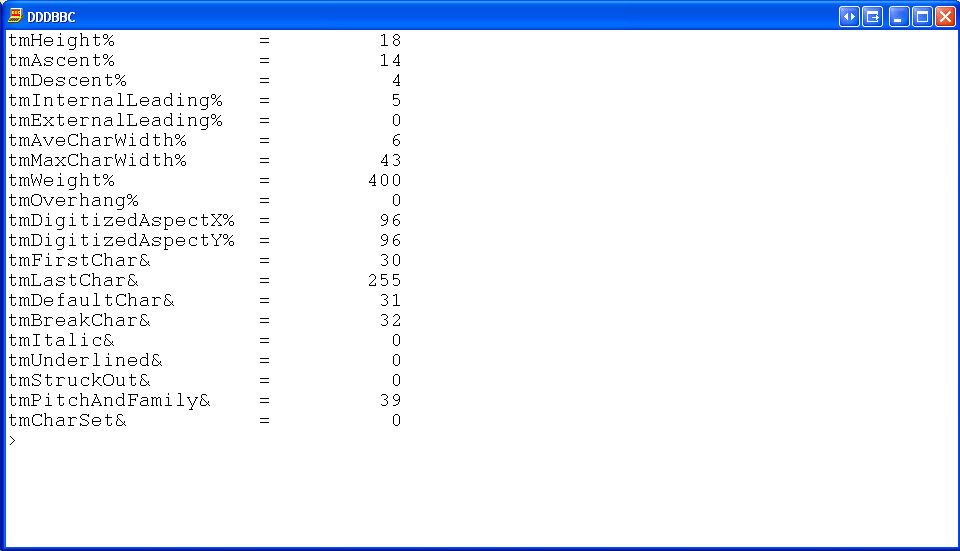
3. -That will show a screen output similar to the following:
--- cut here: begin --------------------------------------------------
tmHeight% = 18
tmAscent% = 14
tmDescent% = 4
tmInternalLeading% = 5
tmExternalLeading% = 0
tmAveCharWidth% = 6
tmMaxCharWidth% = 43
tmWeight% = 400
tmOverhang% = 0
tmDigitizedAspectX% = 96
tmDigitizedAspectY% = 96
tmFirstChar& = 30
tmLastChar& = 255
tmDefaultChar& = 31
tmBreakChar& = 32
tmItalic& = 0
tmUnderlined& = 0
tmStruckOut& = 0
tmPitchAndFamily& = 39
tmCharSet& = 0
--- cut here: end ----------------------------------------------------
===
Book: see also:
===
Diagram: see also:
===
File: see also:
===
Help: see also:
===
Image: see also:
===
Internet: see also:
 ===
Podcast: see also:
===
Screencast: see also:
===
Table: see also:
===
Video: see also:
---
----------------------------------------------------------------------
===
Podcast: see also:
===
Screencast: see also:
===
Table: see also:
===
Video: see also:
---
----------------------------------------------------------------------